No. 13 · Developer & data · Rate it
Teletype
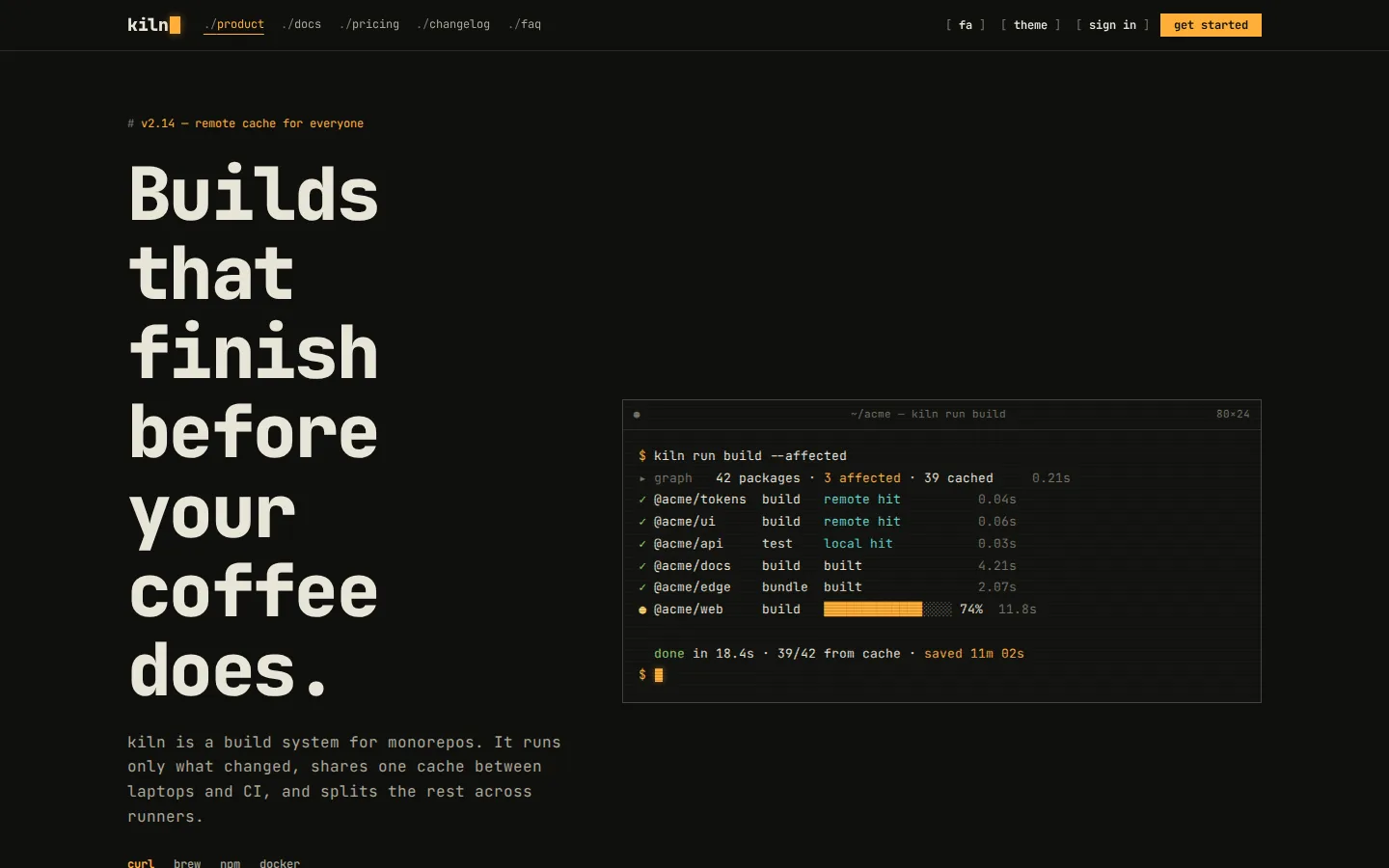
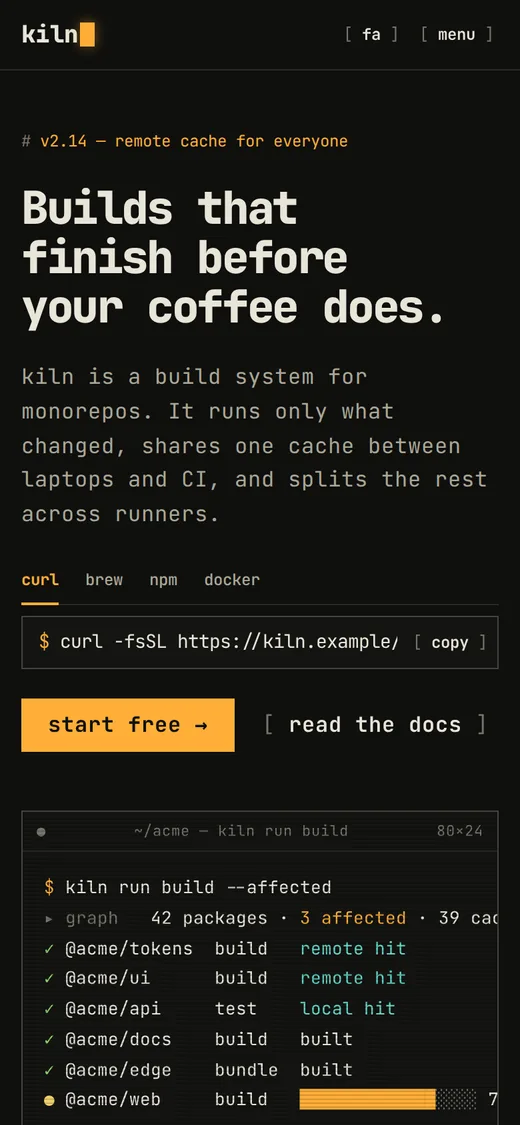
Terminal-native UI — one monospace face, box-drawn panes, [ bracketed ] controls and a status bar
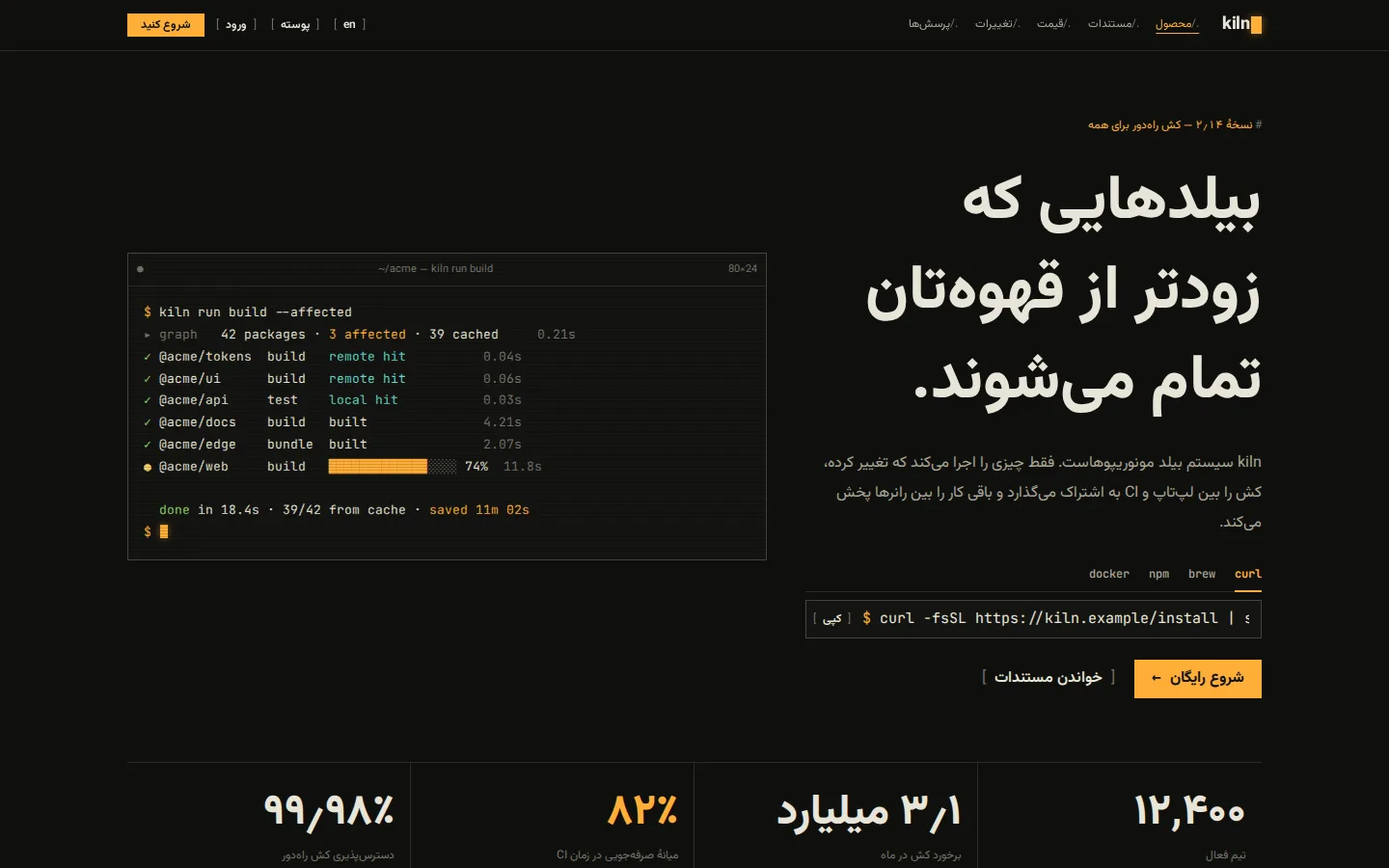
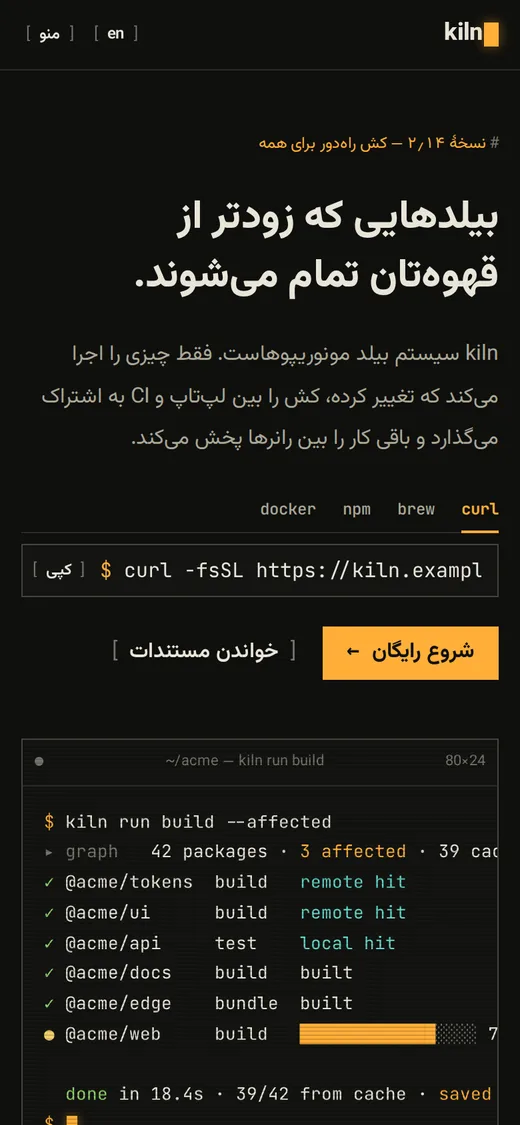
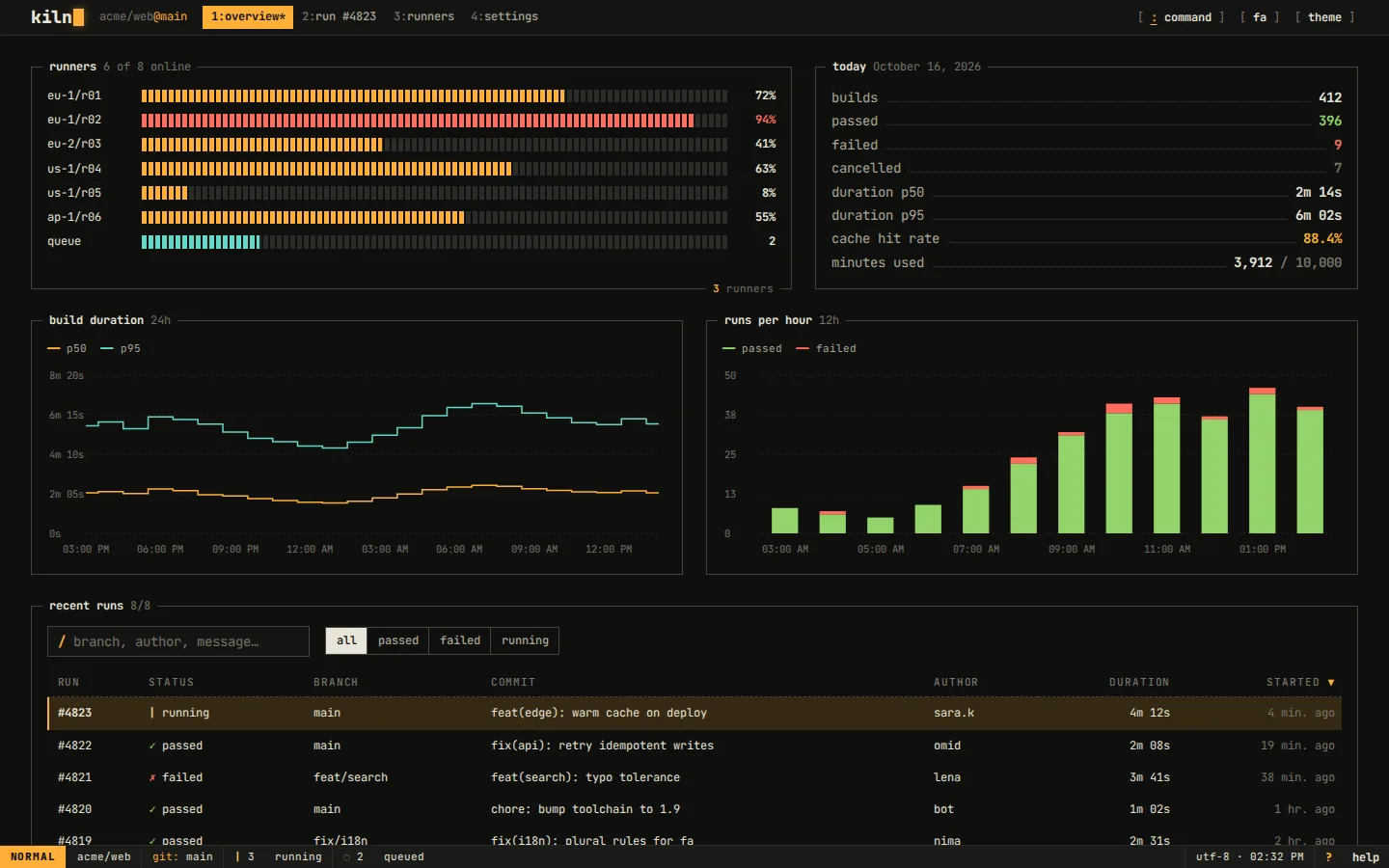
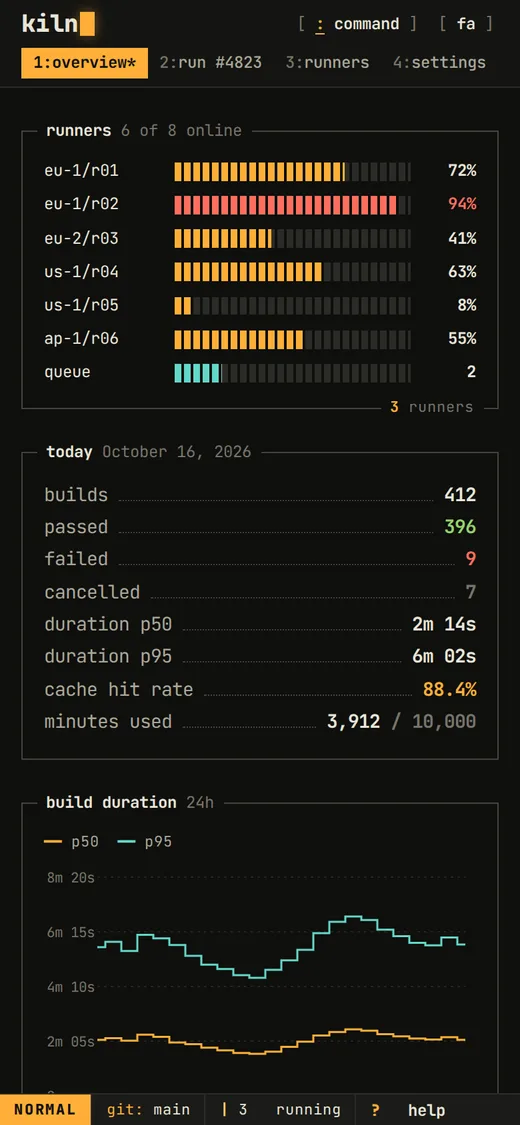
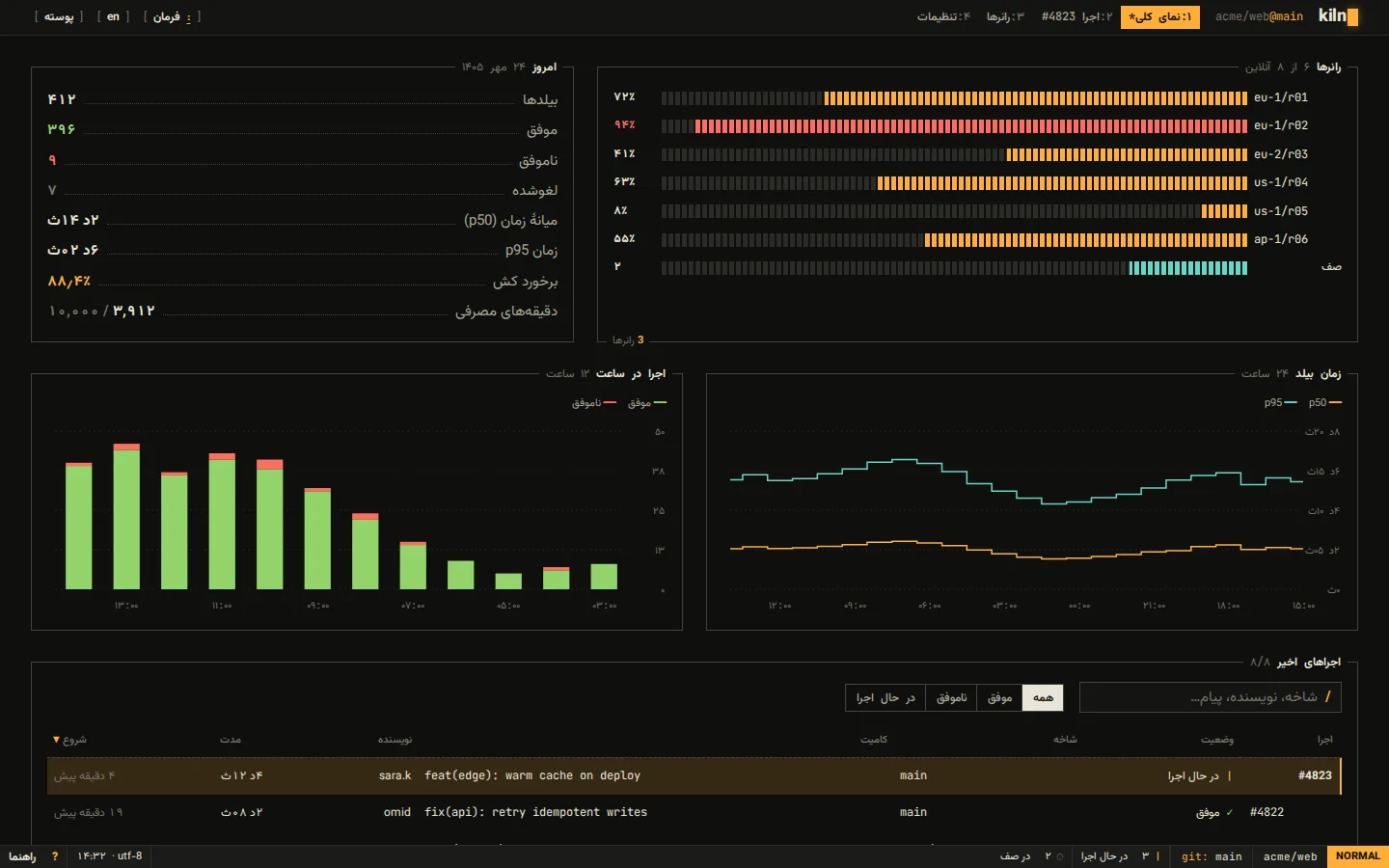
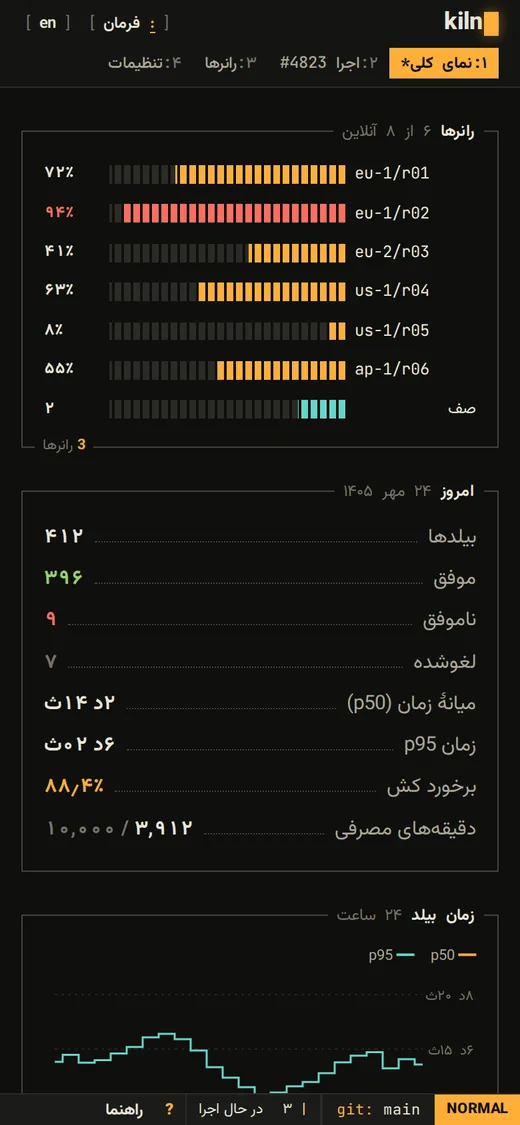
A keyboard-first language for developer tools, built like a text UI: everything is set in one monospace family on a character grid, panes are box-drawn with their title sitting on the border, buttons are [ bracketed ] and invert on hover, checkboxes are [x], tabs read like a tmux window list, meters are block cells, logs are numbered and always left-to-right, and a vim-style command line and status bar run the app. One amber signal plus the six ANSI colors for status and data; a light 'printout' theme with green-bar tables.
Best for
- CLIs, build tools, CI/CD and dev platforms
- API, database and infrastructure consoles
- Changelogs, docs and release pages
- Hacker-culture events and developer communities
Not ideal for
- Consumer apps for non-technical audiences
- Fashion, food and lifestyle brands
- Long-form reading in Persian (monospace Persian tires the eye)
Signature moves
- One monospace family for everything; sizes snap to the character cell
- Box-drawn panes with the title on the top border; focused pane turns amber
- [ bracketed ] buttons, [x] checkboxes, (•) radios, ● on / ○ off switches
- tmux-style numbered tabs with number-key hotkeys
- Block-cell meters, step charts, numbered LTR log viewer
- Vim-style command line (:) and a status bar with mode
Try it with another brand color
Opens the demo with only --brand changed. The style should still read as Teletype.
Install this skill
/plugin marketplace add tastefolio/tastefolio.github.io
/plugin install teletype@tastefolio
npx skills add tastefolio/tastefolio.github.io --skill teletypecurl -L https://tastefolio.github.io/downloads/teletype.zip -o teletype.zip
unzip teletype.zip -d .claude/skills/Copy the folder anywhere your agent can read it, then reference it from AGENTS.md / rules:
"Follow skills/teletype/SKILL.md for every UI change."Files
Rate this style
Like it? Give it a 👍 below; you sign in with GitHub. The gallery’s Top rated order counts these votes and refreshes every hour. Comments and questions are welcome too.